Groups
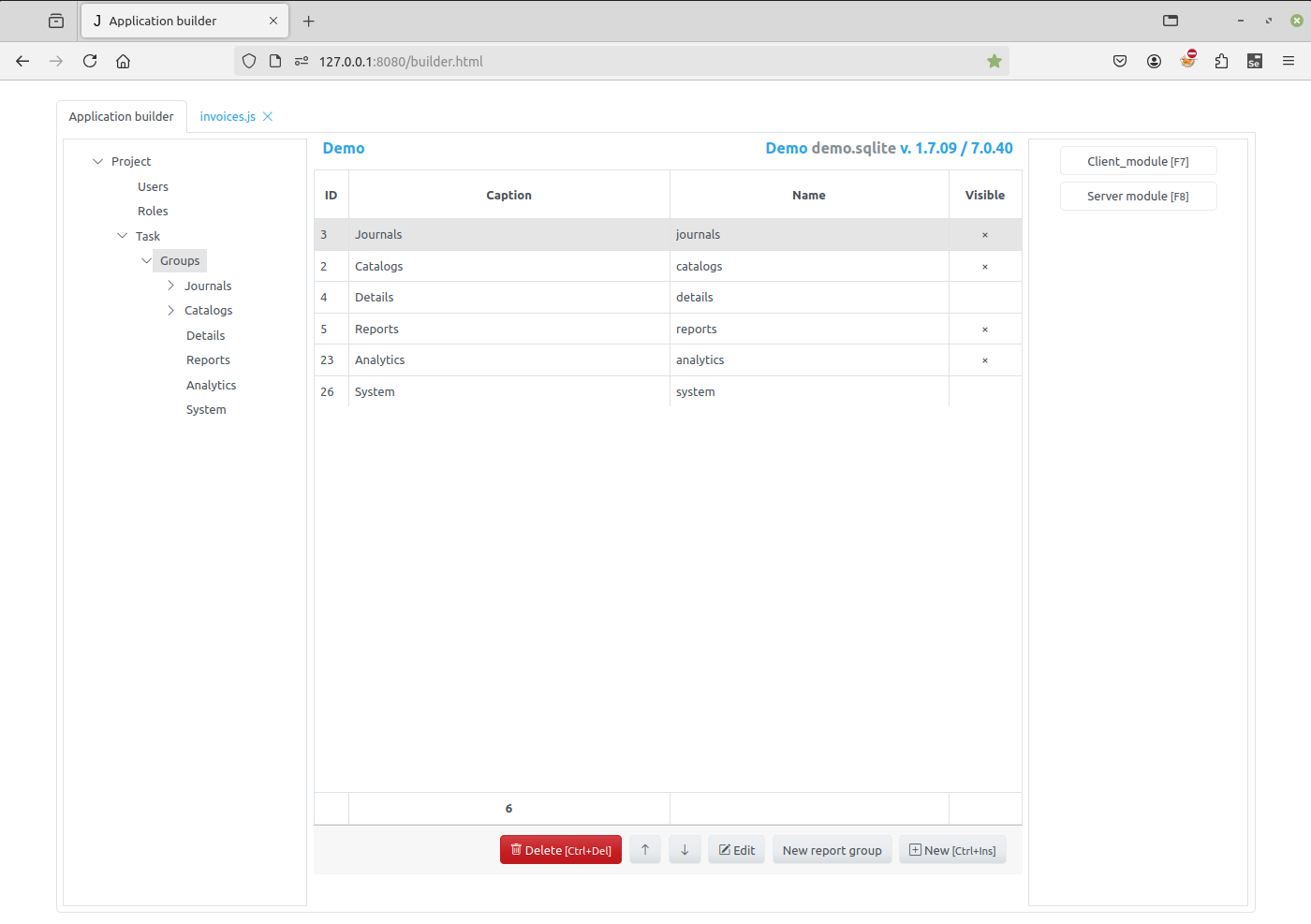
Select the node with the name of the task to get to the groups of the project task tree.
At the bottom of the page there are 4 buttons:
Delete - click the button to delete an empty group.
Edit - click this button to modify the selected group, the corresponding Group Editor will appear.
New Report Group - use this button to create a new report group.
New - use this button to create a new item.
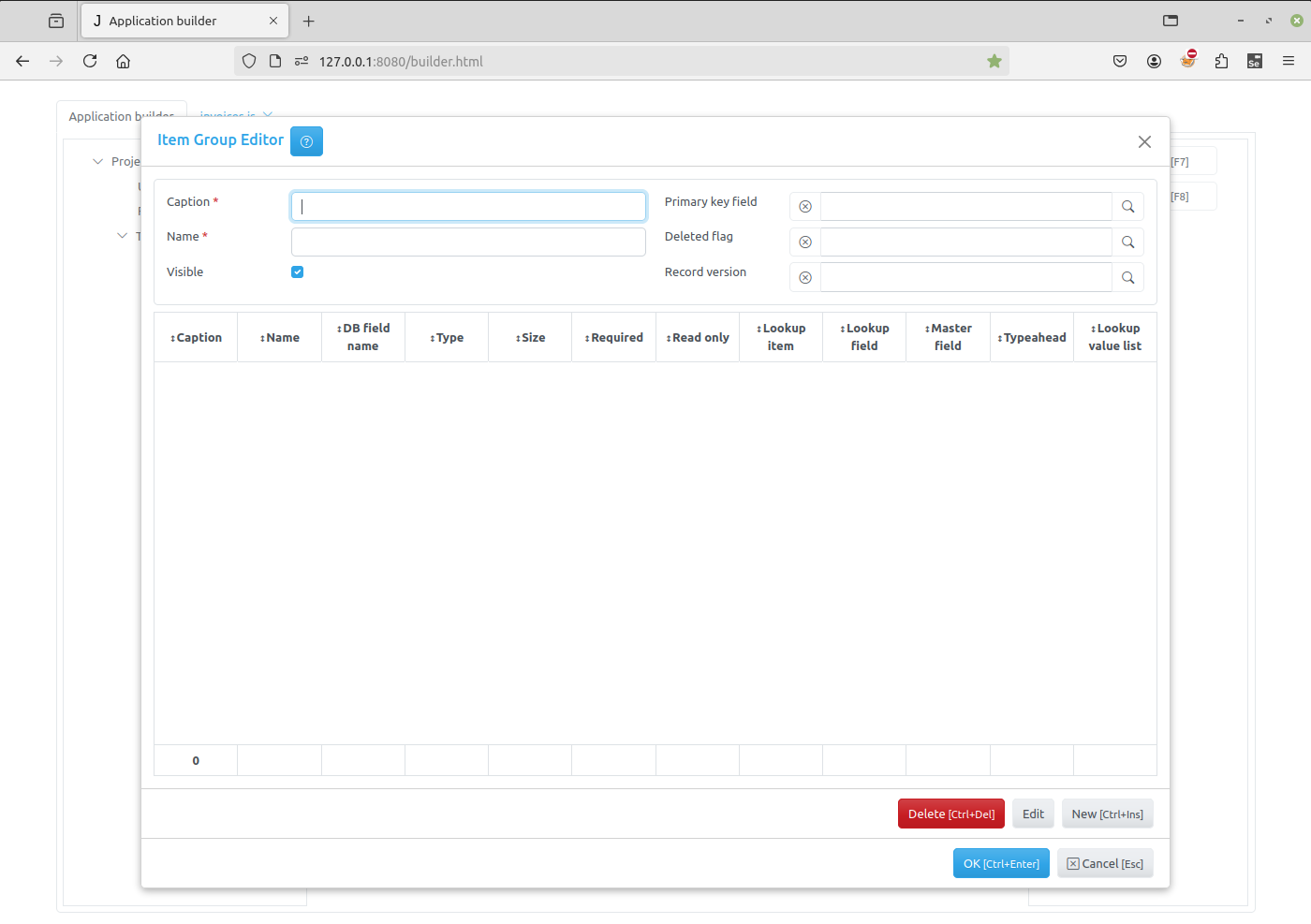
For each of the group, its own editor will be shown:
Use buttons in the right panel of the page to edit Client and Server modules of a selected group, see: