Demo project
The framework has a full fledged demo application that demonstrates programming techniques used in the framework. The default Username/password for authentication is andrew/111.
The demo is located in the demo folder of the Jam.py package downloaded from Github. There is also a standalone or an portable Jam.py V7 Demo application for Windows x64 provided for Jam.py >7.0.100 in here.
The portable application depends on LibreOffice for Reports and nothing more. Just extract, run it and point the browser as per below. If the application is blocked by the Windows Defender or similar, there is also Northwind V7 application at Windows 10/11 App store. Search for Jam.py Application Builder.
To start the demo application go to the demo folder and run server.py script.
$ ./server.py
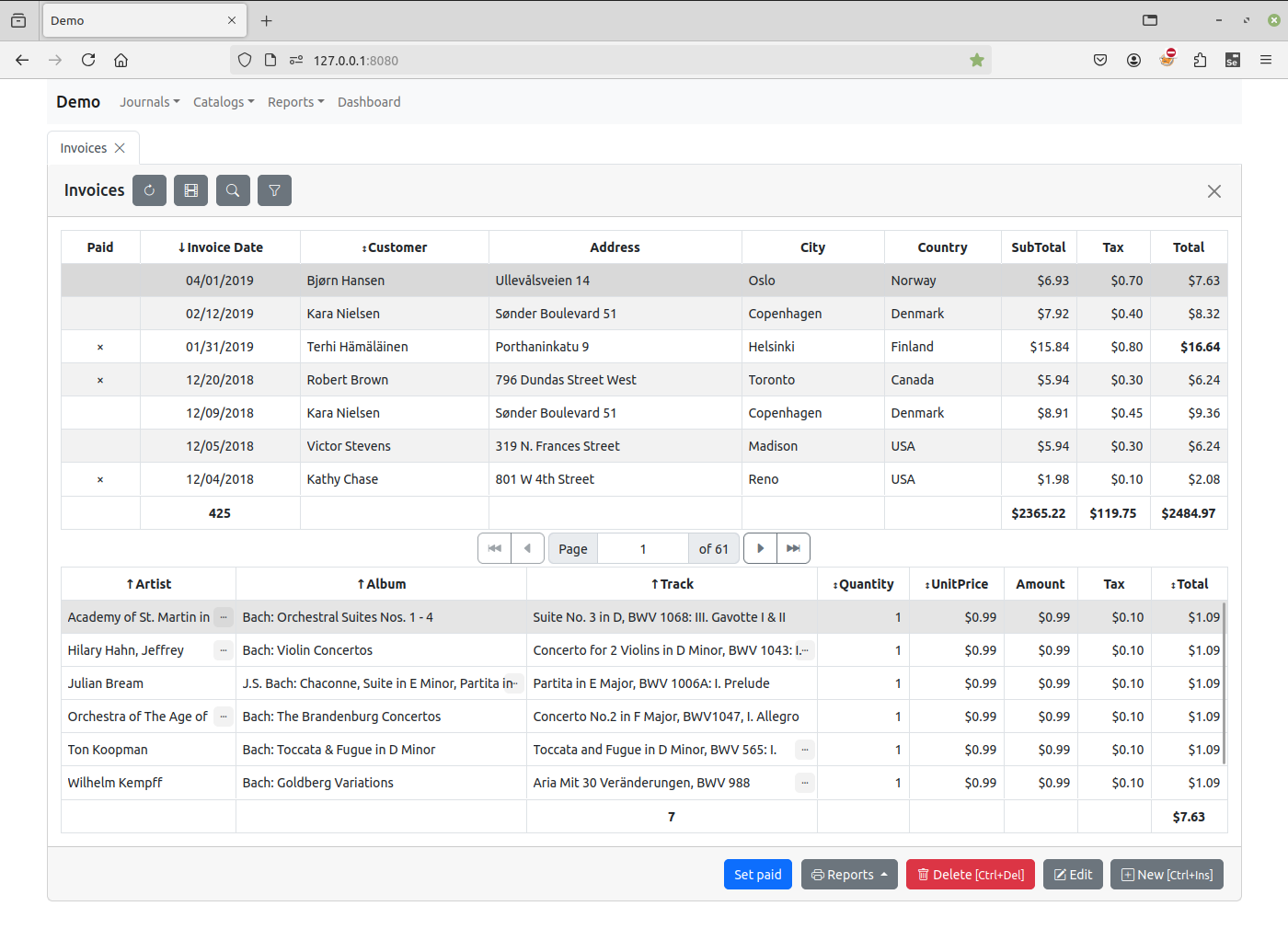
Open a Web browser and enter
127.0.0.1:8080
in the address bar.
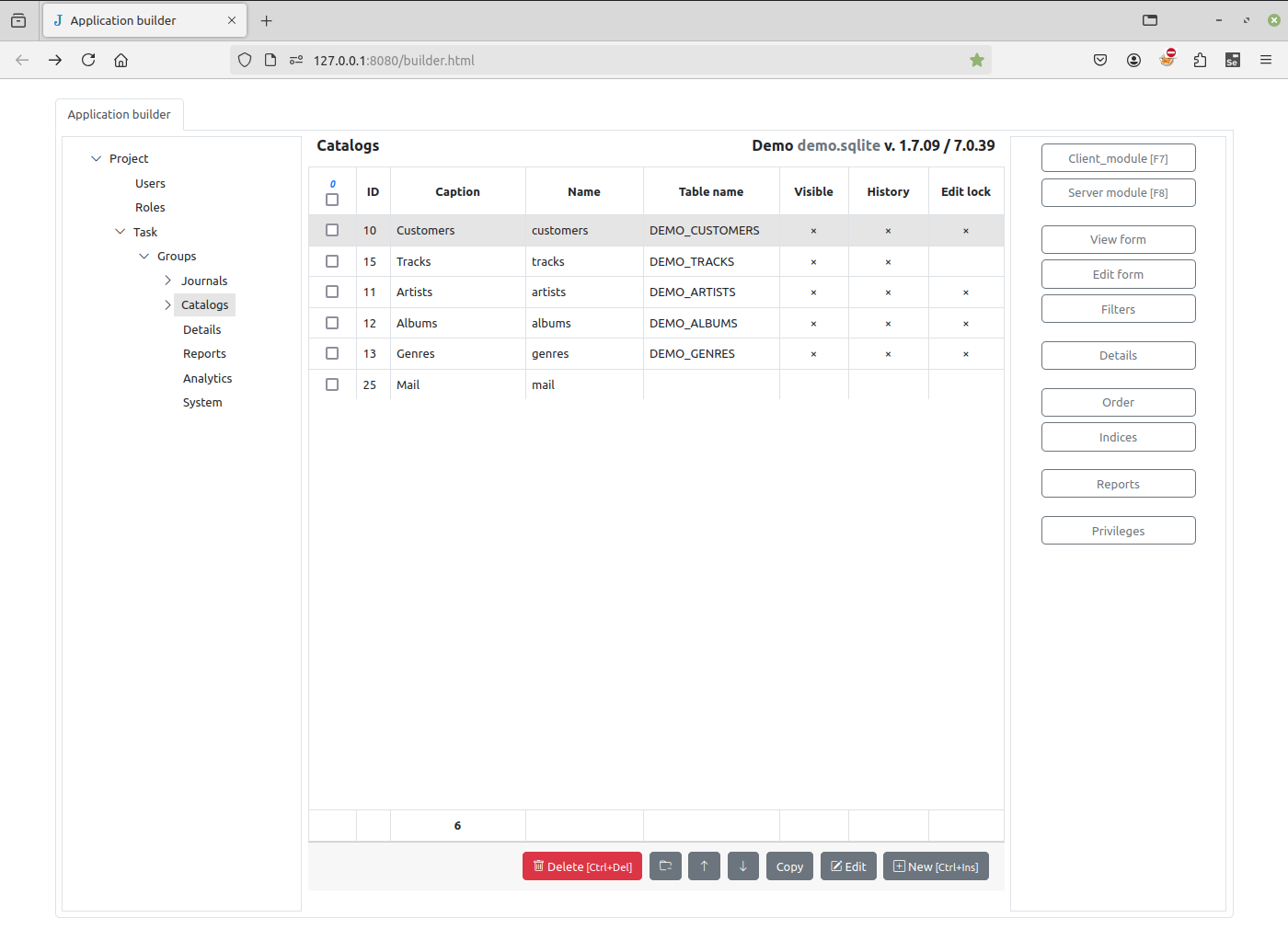
To see the Application builder, open a new page in a browser and enter
127.0.0.1:8080/builder.html